Modded Minecraft Wiki Author Guide
Learn how to document your project using the Modded Minecraft Wiki !
This documentation will guide you through the process of creating setting up your project, writing documentation pages, all the way up to publishing it on the Wiki website.
We’ll introduce you to the features, page format, components and game data integration, allowing you to write dynamic and interactive content pages.
Read below to get started!
Prerequisites
In order to start hosting documentation on our wiki, your project only needs to meet a few minimal requirements:
- Be hosted on a Git repository (both private and public repositories work)
- Be publicly hosted on either Modrinth or CurseForge
- Have the Git repository linked as the project’s source code url
- This is required to verify project ownership and is only checked at the time of registration
- Modrinth projects can also be verified by linking your Modrinth account in the Wiki’s user settings
Building & Publishing
- Navigate to the Getting Started page to quickstart your project
- Explore the Folder Structure to learn about available features and how you can customize your documentation
- Integrate your project with in-game data and find handy tools in the Features section
- Publish your project on the Wiki
In-game documentation
Interested in viewing Wiki docs in-game? Check out Oracle Index !
A minecraft fabric / neoforge client-side documentation viewer mod, intended to be used with wikis alongside moddedmc.wiki
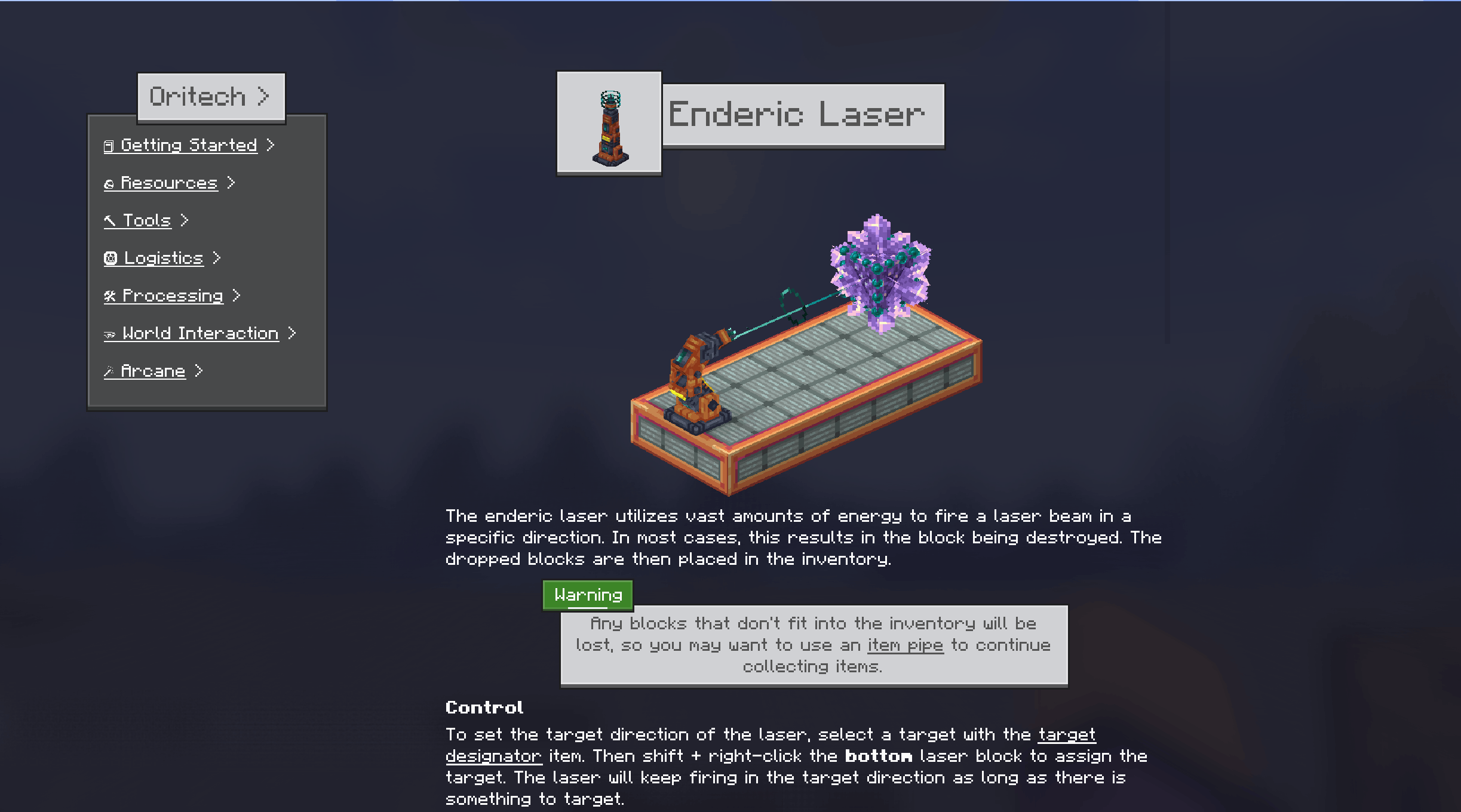
*Please note that Oracle Index is not developed by the Wiki. Check their website for information on how to receive support and report issues.
Integration
We provide an excellent set of tools for authors that can help you focus on writing on what’s important without having to do the boring work of looking up and copying in-game information to the Wiki.
With our tools, you can:
-
Get a local real-time, accurate preview of your documentation in the exact same look as it will have once uploaded to the wiki
-
Automatically generate asset renders of inventory models for all mod items and export game meta information
-
Re-deploy documentation after publishing
Learn more on each tool’s dedicated page: